Run Application
Run Application on Simulator
Launch the HOST
cd to
beanable/beanto_host/hostand then run below command:mcconfig -d -m -p win
The you will see the simulator is launched as below picture shows.

Note: if you have not get the authorization key for your machine, you will get below picture, which show you are not authorized. Please contact Beanable to get the authorization key.

Run your application on simulator.
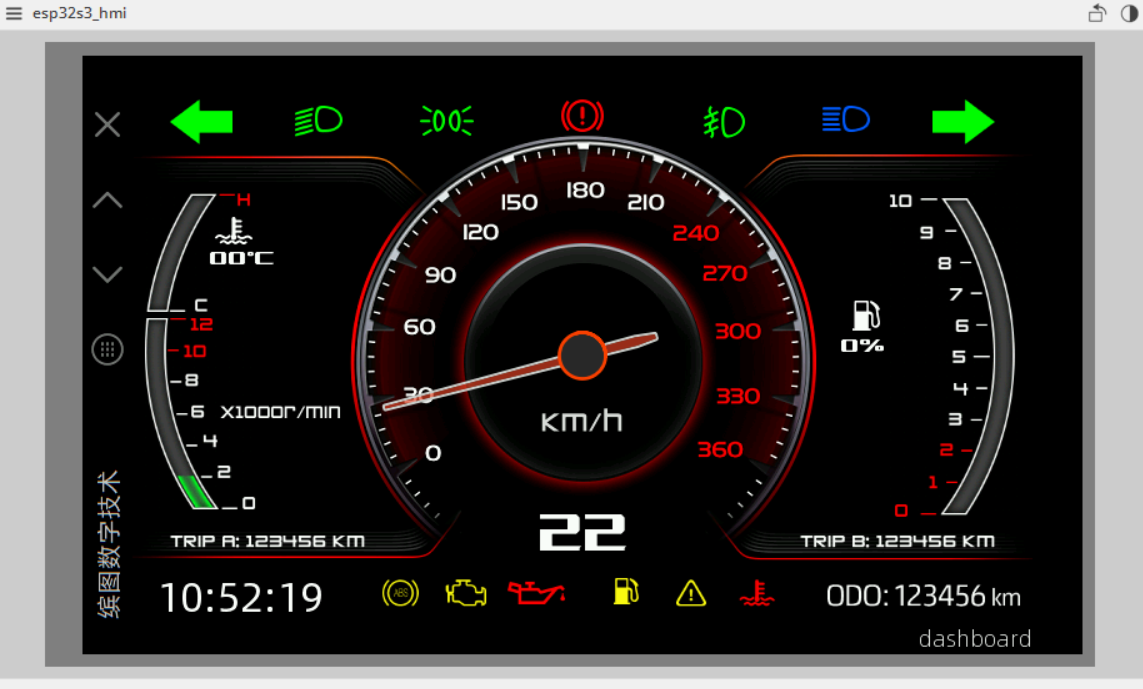
An car dashboard example application is provided in current beanable sdk release. cd to
/beanable/beanto_examples/mods/dashboardand then run below command:mcrun -d -m -p win
The you can successfully launch the example application, which is shown as below picture.
Run Application on Hardware
Power on the hardware
Once you power on your hardware (connect the type-c socket to the Hardware) you will see below picture from the hardware screen.
Download the application to hardware.
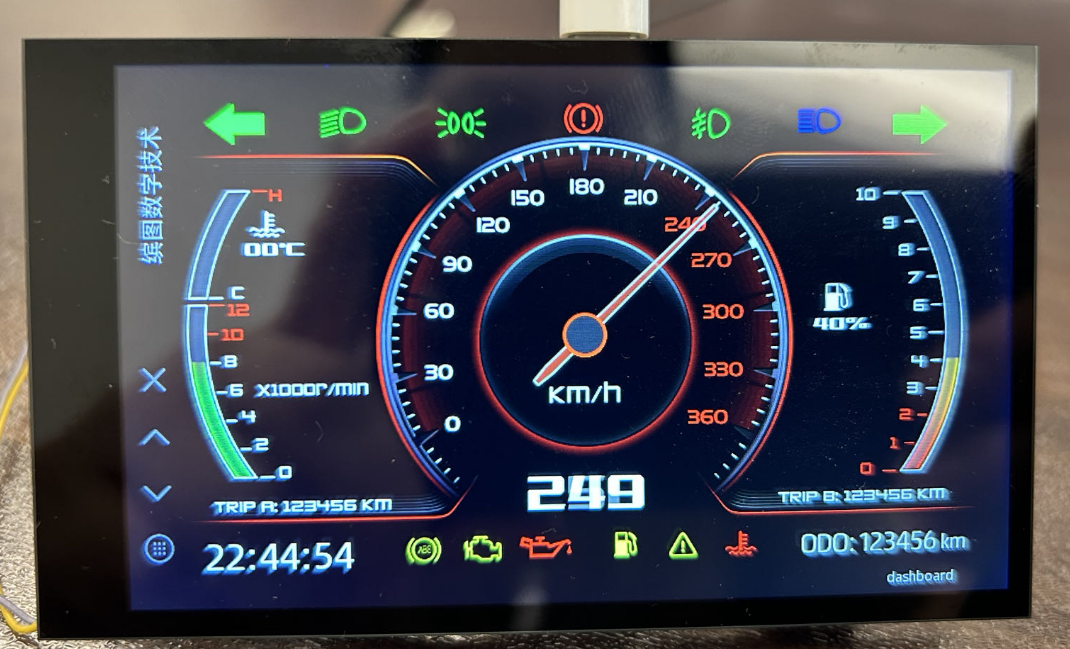
A car dashboard example application is provided in current beanable sdk release. cd to
/beanable/beanto_examples/mods/dashboardand then run below command:mcrun -d -m -p esp32/esp32s3_hmi
After the download is finished. You can successfully launch the example application, which is shown as below picture.
If you have your own application, you can use the same way as above to download your application to hardware.
Note:
Please DONOT erase the whole flash of the hardware. Otherwise you will lose the authorization key for your hardware.
If you accidentally erase the whole flash , you will get below picture, which show you are not authorized. Please contact Beanable to recover the authorization key.
